









I stared at the analytics dashboard, and my heart sank. We had spent six months engineering a powerful new feature, yet only 4% of our users had even clicked the tab. The problem wasn’t the utility; it was the navigation maze we had created.
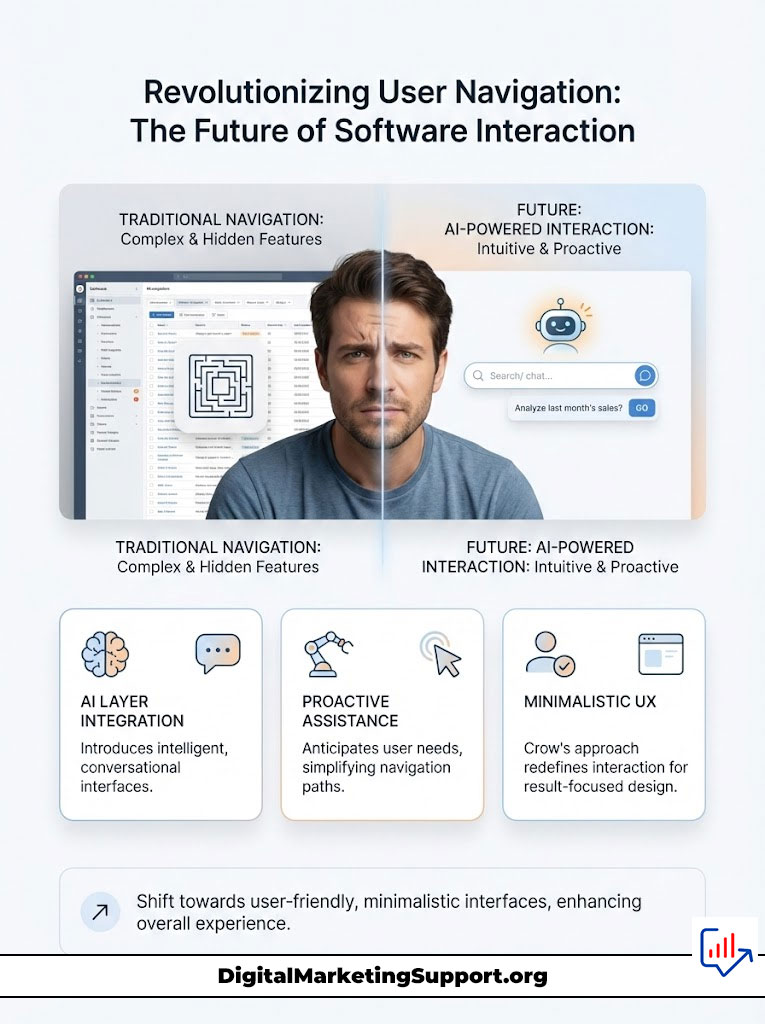
Every product manager knows this nightmare. We build robust tools, but hide them behind layers of dropdowns, modals, and confusing icons. Users don’t want to learn your interface; they just want the result.
Then I discovered a genius architectural shift that might kill the traditional menu forever. It involves an AI layer that doesn’t just talk, it acts. Here is how Crow is rewriting the rules of software interaction.
For complete insights and examples, read the full article: Let Users Control Your App Through Chat with Crow’s AI Agent
The Death of the “Click-and-Hope” Interface
We are witnessing a massive extinction event for the Graphical User Interface (GUI). For decades, we forced humans to translate their thoughts into mechanical clicks. If a user wanted to “onboard a client,” they had to navigate five different screens.
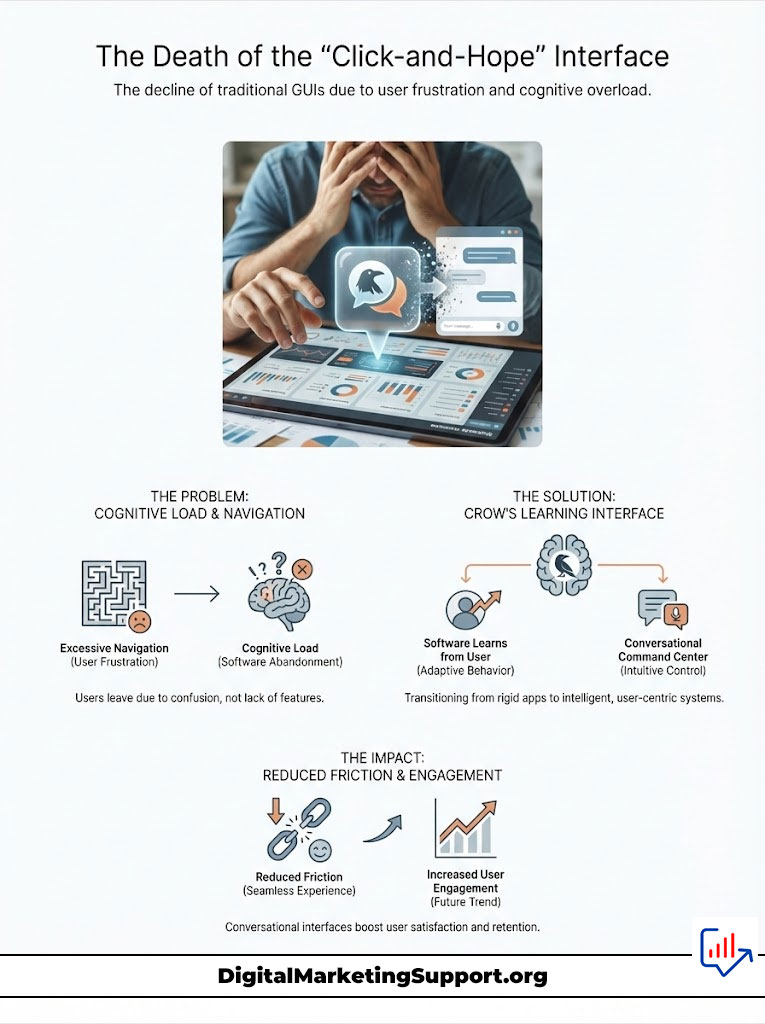
This friction is the silent killer of churn. My experience suggests that users abandon software not because it lacks features, but because they feel stupid trying to find them. The cognitive load is simply too high.
Crow flips this dynamic on its head. Instead of forcing the user to learn the software, the software learns the user. It transforms your rigid application into a conversational command center.
Why “Chat with Data” is Failing
- Passive Responses: Most bots only read FAQs.
- Zero Execution: They cannot click buttons or save forms.
- Frustration Loop: Users are told how to do it, but still have to do it.
Moving Beyond the Passive Bot
Most AI tools on the market right now are lazy. They use Retrieval-Augmented Generation (RAG) to summarize text, which is fine for research but useless for productivity. I needed something that could get its hands dirty.
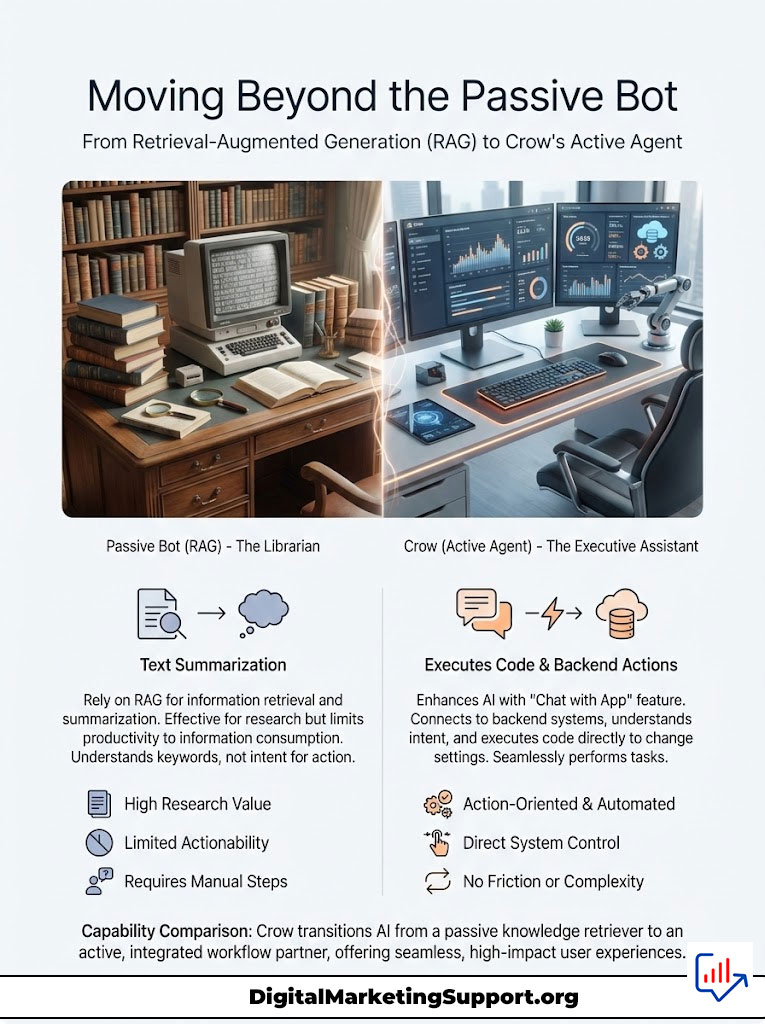
Crow facilitates “Chat with App.” This is a stunning difference in capability. When I tested this architecture, I didn’t get a link to a settings page; the agent actually executed the code to change the setting.
It connects directly to the backend. It understands intent and maps it to specific API endpoints. This is the difference between a librarian and an executive assistant.
Capability Comparison
| Feature | Standard RAG Bot | Crow Active Agent |
|---|---|---|
| Primary Function | Summarize Text | Execute Actions |
| Backend Access | Read-Only | Read & Write |
| User Friction | High (Must still click) | Zero (Done for you) |
| Complexity | Low | High (Handled by AI) |
The Secret Sauce: OpenAPI Integration
I assumed integrating this level of intelligence would take my engineering team months. I was wrong. The secret lies in how Crow consumes information.
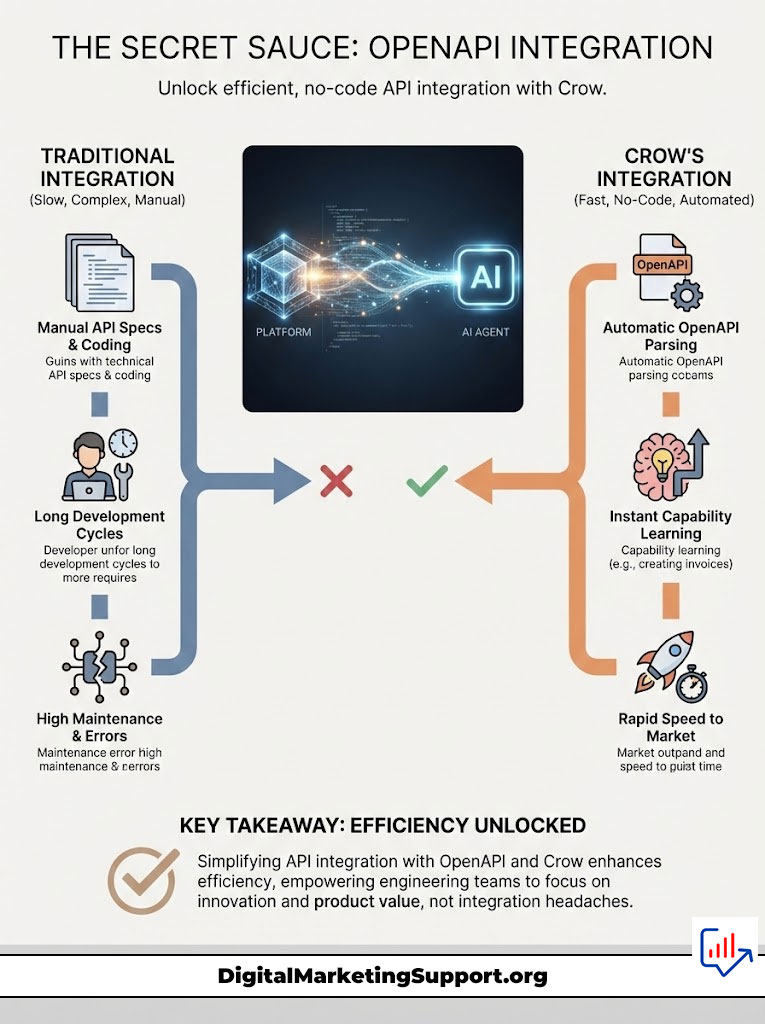
It utilizes your existing OpenAPI (Swagger) specifications. It reads the map you have already built for your developers. You do not need to manually teach it what a “user” or a “project” is.
Crow parses the API spec and instantly learns every capability. If you have an endpoint for creating invoices, the agent knows how to create invoices. This “no-code” ingestion is a game-changer for speed to market.
A Nightmare for Security Teams? (Actually, No)
My first thought was sheer terror. Giving an AI bot access to my API sounds like a security nightmare waiting to happen. What if it deletes the wrong database?
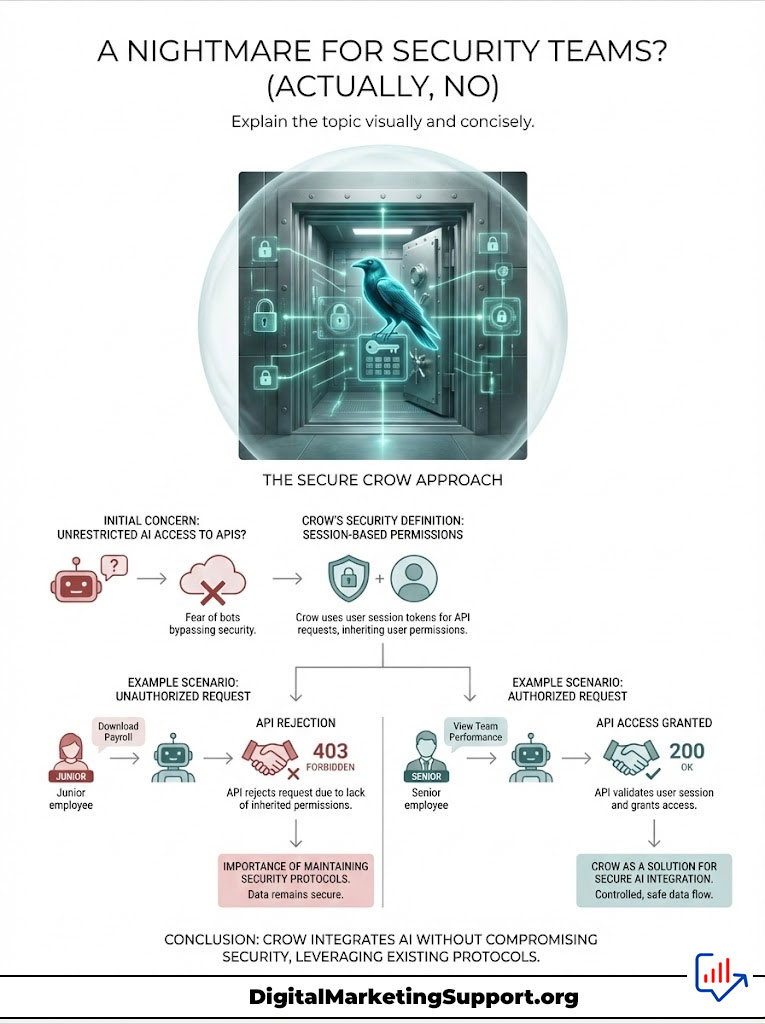
Crow handles this with a brilliant leverage of existing protocols. It doesn’t bypass your security; it acts as the user. It uses the logged-in user’s session token for every request.
If a junior employee asks the bot to “Download Payroll,” the API rejects the call just as it would if they clicked the button manually. The permissions are inherited perfectly.
The Human Safety Net
- Critical Tagging: You mark dangerous endpoints (like DELETE).
- User Confirmation: The bot pauses and asks, “I am about to delete X. Confirm?”
- Audit Logs: Every conversation and API call is recorded.
Why I Am Betting on Conversational Control
I implemented a test run on an internal admin tool. The results were shocking. Tasks that took my DevOps team five minutes of context-switching were reduced to a single sentence.
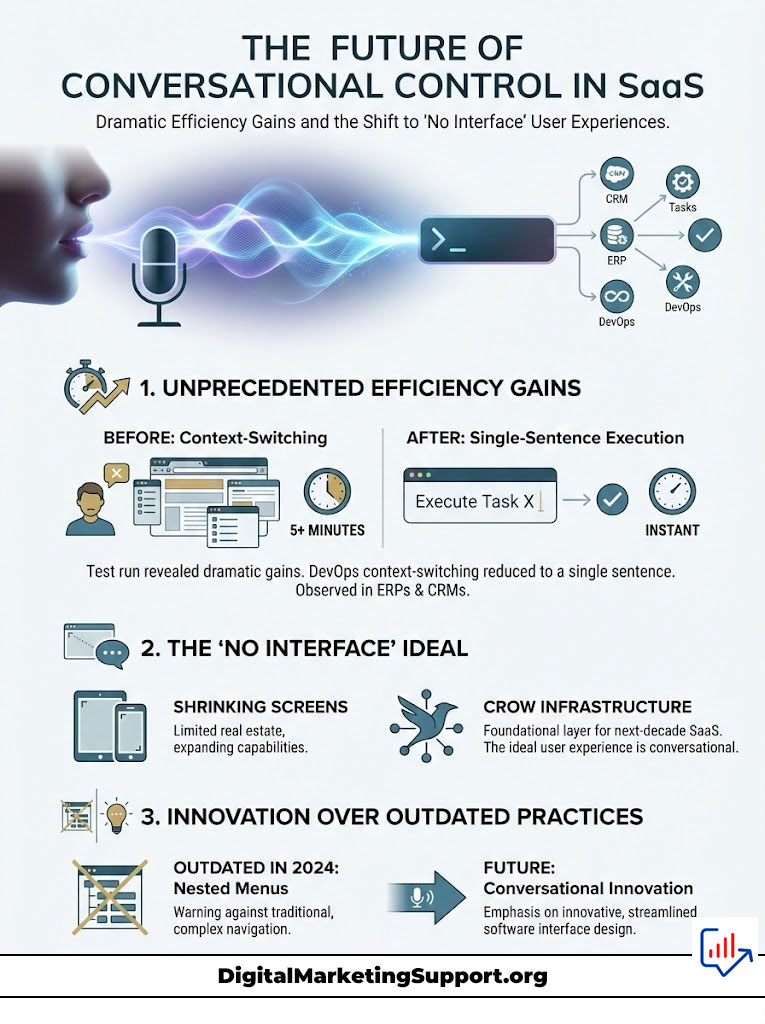
The efficiency gains in ERPs, CRMs, and complex internal tools are undeniable. We are moving toward a world where the best interface is no interface at all. The screen real estate is shrinking, but the capability is expanding.
Crow is not just a tool; it is the infrastructure for the next decade of SaaS. If you are still building nested menus in 2024, you are building a relic.
The Verdict: Build or Buy?
Engineers love to build. I have fallen into the trap of “we can build this in-house” a dozen times. But building a reliable agent orchestration layer is incredibly difficult.
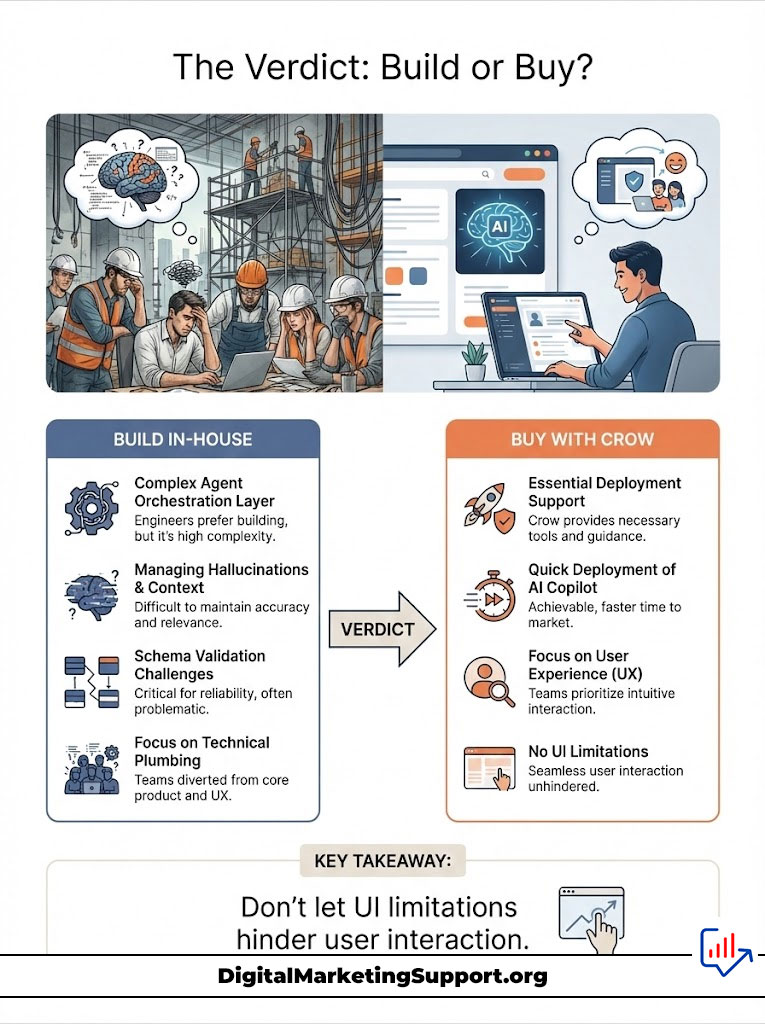
You have to handle hallucinations, context windows, and schema validation. Crow solves the plumbing so you can focus on the water. For any team looking to deploy an essential AI copilot quickly, this platform is the logical choice.
Key Takeaway: Don’t let your UI be the bottleneck. Let your users speak, and let the software listen.